Weather widgets,finally beautiful.
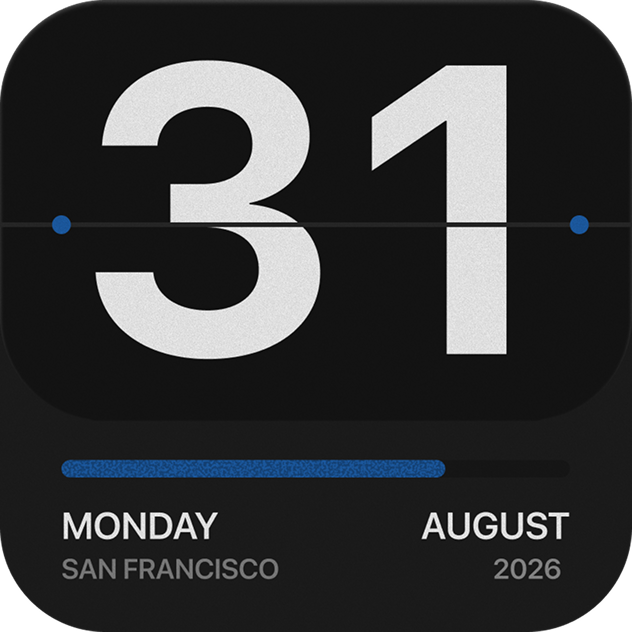
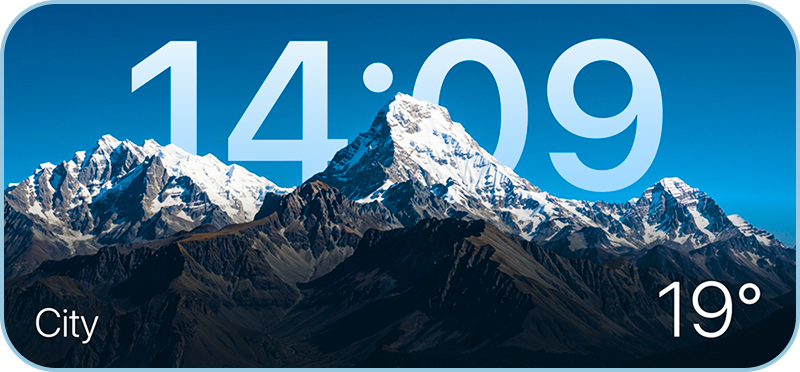
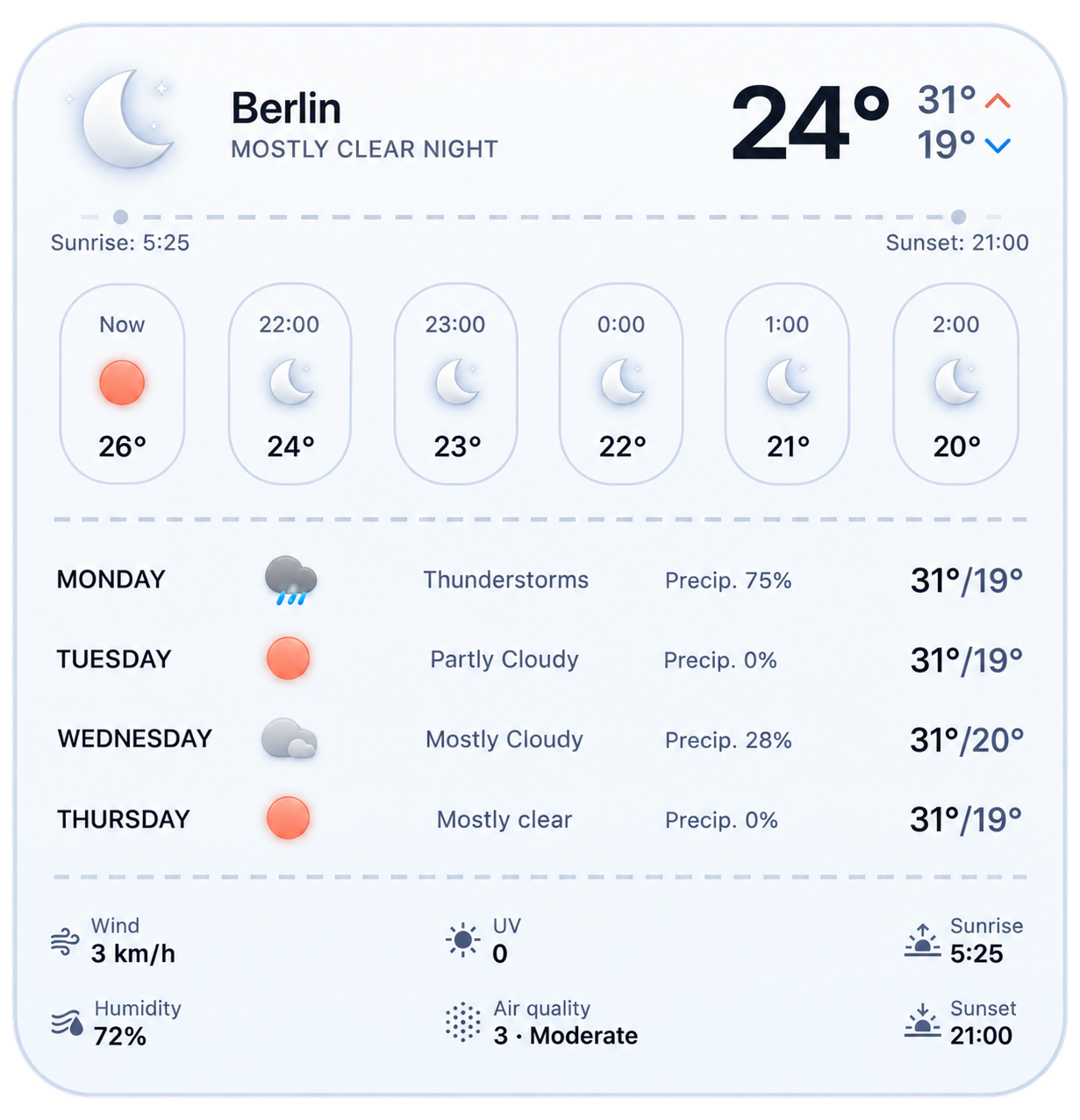
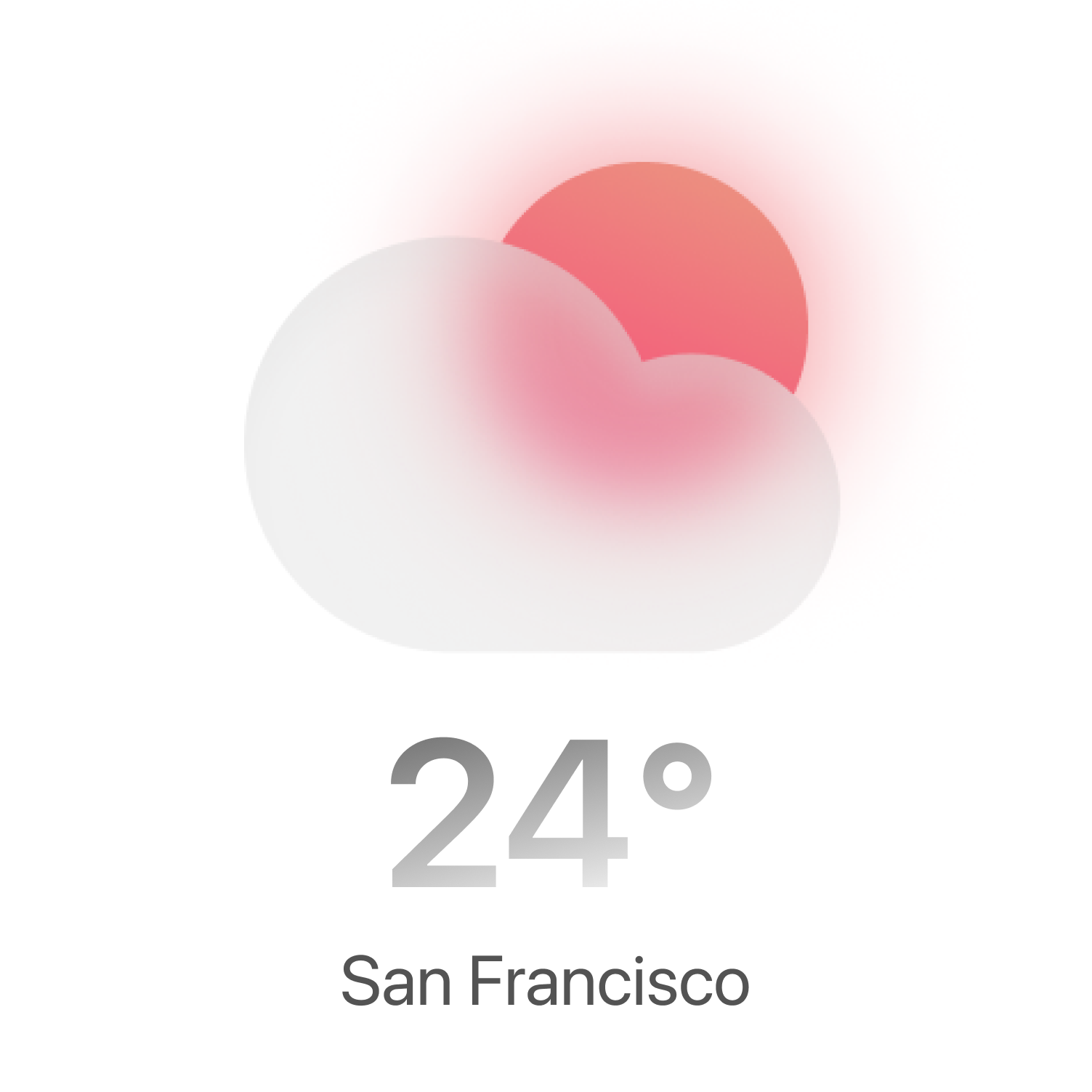
And that's just the start: an animated forecast and a multi-layer radar, all in one free iPhone app.
Why Weather Widget Magic
Beautiful widgets you can customize like a pro designer. An animated weather app that feels alive. A multi-layer radar that sees the storm before you do.
Widgets worth looking at
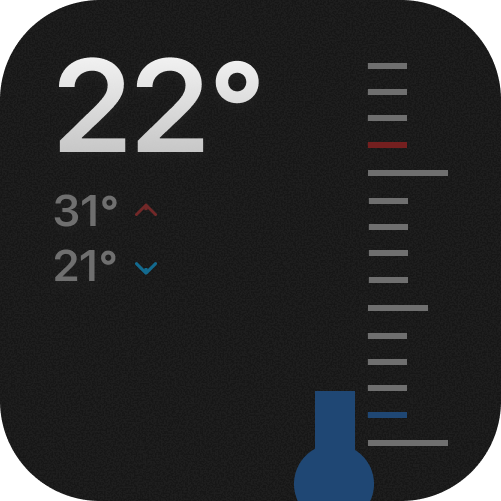
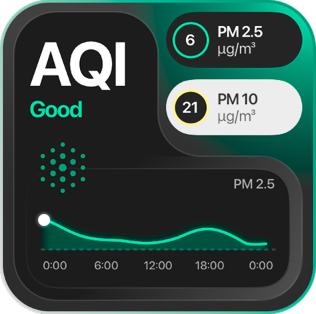
Small, medium, large and Lock Screen widgets with backgrounds that follow the sky and the time of day.
Explore widgetsAn app that feels alive
Every forecast plays as a living scene, so you read the weather before you read the numbers.
See the appA radar that warns you
Rain, wind, lightning and temperature on one live map, with rain alerts up to an hour ahead.
Open the radarWeather radar See the storm before it arrives.
Precipitation, wind, temperature, lightning and alerts on one live map. Scrub the next 90 minutes, starting now.
How to add a weather widgetOn your iPhone in under a minute.
These five steps work on every iPhone running iOS 16 or later, including iOS 26. Once the weather widget is placed, you never have to open the app to read the forecast.
- 01
Install the app, then open it once
Download Weather Widget Magic from the App Store and allow location access While Using the App or Widgets, so the widget can show your local forecast.
- 02
Touch and hold the Home Screen
Press an empty area until the icons jiggle, then tap + in the top-left corner to open the widget gallery.
- 03
Search for Weather Widget Magic
Type the name in the gallery search field and swipe to preview the small, medium and large sizes.
- 04
Pick a size and add it
Tap Add Widget, drag it into place and tap Done. Drop it on a widget of the same size to build a Smart Stack.
- 05
Choose the style and the city
Touch and hold the widget, tap Edit Widget, then pick a style, switch between °F and °C, or pin a specific city.
Lock Screen, Today View and troubleshooting are covered in our full guide to weather widgets for iPhone.
Which weather widget size should you use?
Every size shows a different amount of forecast data. The right one depends on where it lives on your iPhone.
| Widget | What it shows | Best for |
|---|---|---|
| Small | Temperature, condition, daily high and low | A dense Home Screen next to app icons |
| Medium | Current conditions plus the next five hours | Deciding on a jacket or umbrella right now |
| Large | Hourly strip, multi-day outlook, adaptive background | A dedicated weather page |
| Lock Screen | Temperature or condition, inline or circular | Checking the weather without unlocking |
Weather widget questions
Is Weather Widget Magic free?
Yes. It is free to download on the App Store. Premium unlocks the full widget library and advanced customization.
Can I put a weather widget on my Lock Screen?
Yes. On iOS 16 and later you can add inline and circular weather widgets to the Lock Screen, alongside small, medium and large Home Screen widgets. See our guide to weather widgets for iPhone.
Does the widget show Fahrenheit?
Yes. Touch and hold the widget, tap Edit Widget and switch between °F and °C. You can also pin any US city instead of your current location.
How far ahead do the rain alerts work?
Rain and hail alerts are computed from radar nowcasting up to one hour ahead. For how we compare with other apps, read the best weather widgets for iPhone.
Can I customize how the widget looks?
Choose from 50+ styles, including clock, minimal and aesthetic themes. Ideas and setups are in our guides to custom weather widgets and aesthetic weather widgets.